
Open the download
Double-click the file Allsono-95.dmg in your Downloads folder. You can also click it in your browser's download list.
macOS
Follow these steps to install Allsono. You only do this once; after that Allsono updates itself.
Not downloaded yet?
Version 1.1.95 · 1.5 MB · macOS 14.2 or later
Double-click the file Allsono-95.dmg in your Downloads folder. You can also click it in your browser's download list.
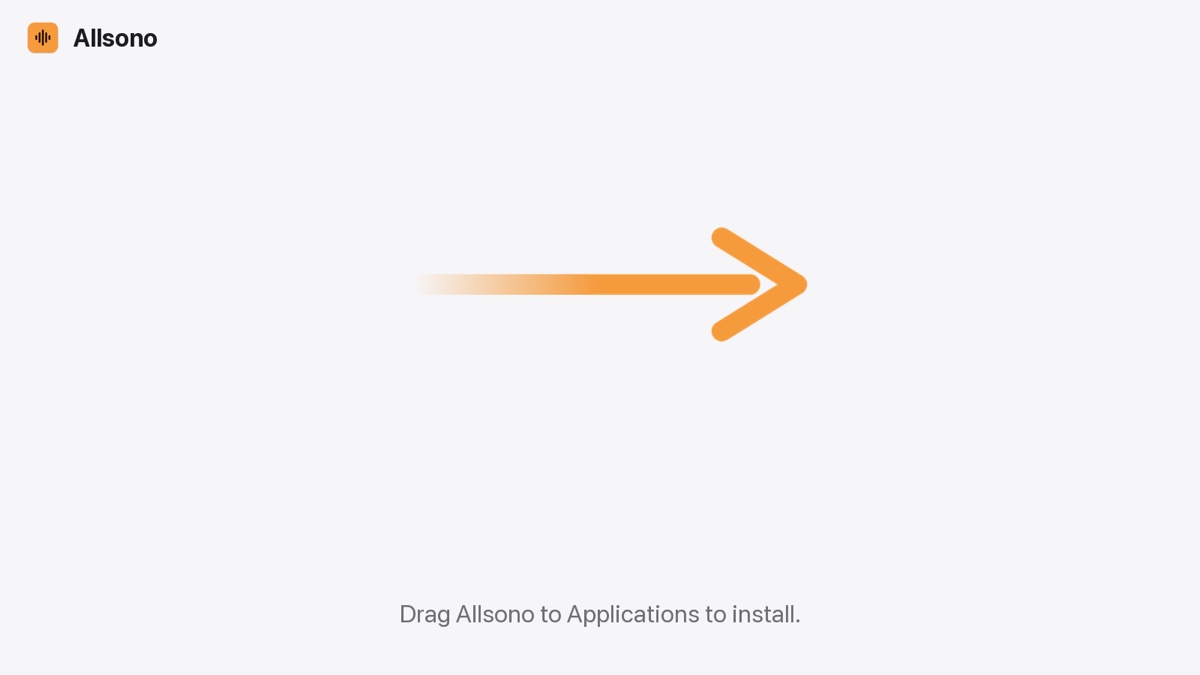
A window opens with Allsono and the Applications folder. Drag the Allsono icon onto the Applications folder and let go. You can close this window after that.
Open the Applications folder (on the left in Finder) and double-click Allsono. Or press ⌘ and the space bar, type Allsono and press Return.
Does Allsono open straight away? Then skip to step 7.
The first time, macOS may say that Apple couldn't check whether Allsono is free of malware. Click "Done". Don't click "Move to Trash".
macOS shows this for apps from outside the App Store that Apple hasn't checked yet. On older macOS versions the wording is a little different; close the message and go on with step 5.
Don't see the button? It stays there for about an hour after you tried to open Allsono. Open Allsono once more first (step 3), then look again.
macOS asks once more. Click "Open Anyway" and enter your Mac's password, or use Touch ID. Allsono now starts.
Allsono asks whether it may find devices on your local network. Click "Allow", or your devices can't find each other.
When you make the Mac the source, macOS asks whether Allsono may record system audio. Allow that too: that's how your Mac's sound plays on your other devices.
From now on you open Allsono like any other app. Updates arrive in the app itself, without these steps.
Stuck? Send a message · Frequently asked questions
 Allsono